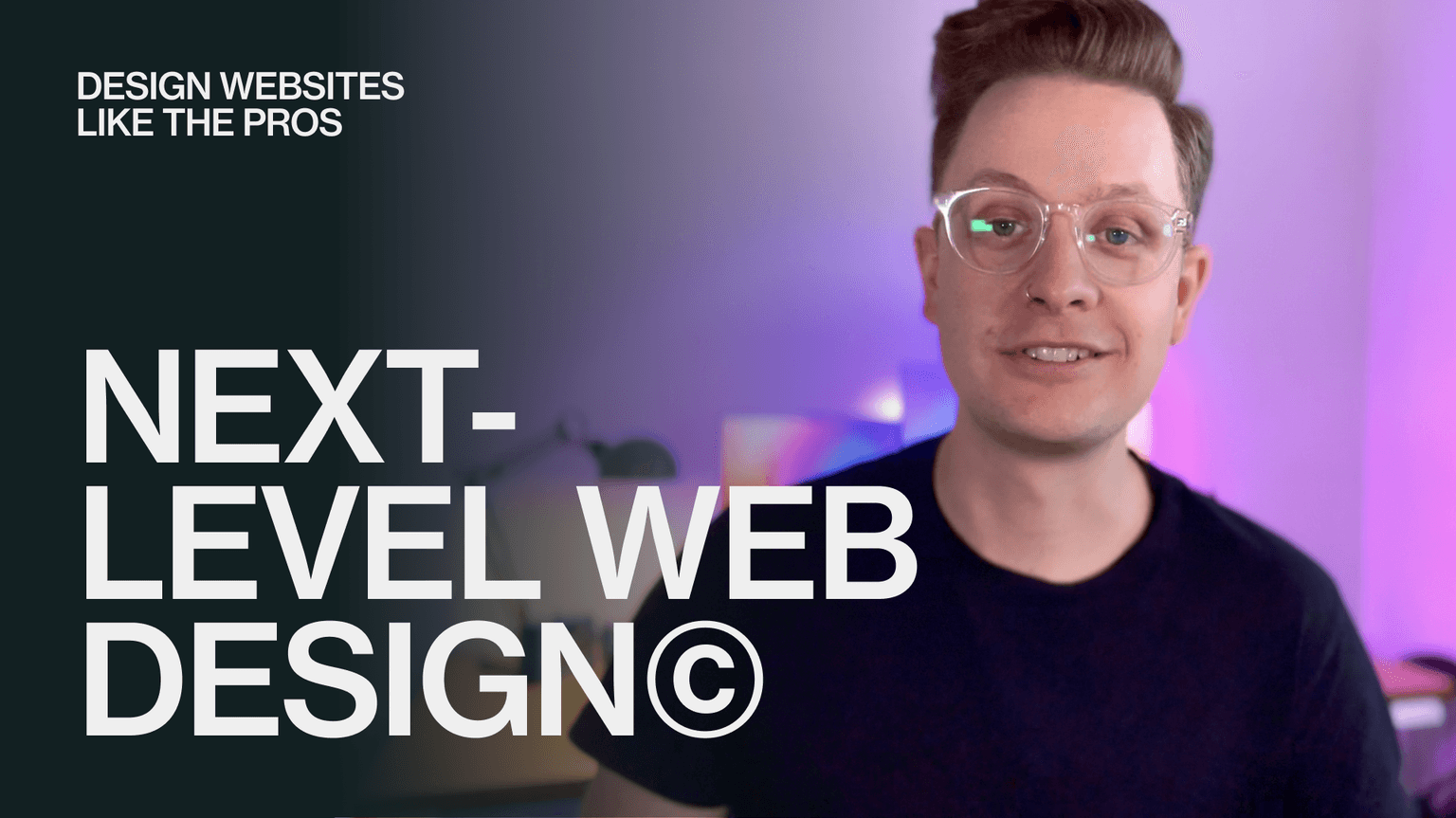
Next-Level Web Design
Master web design principles and build a portfolio-ready landing page in Figma from start to finish.
This course is no longer available.
Explore other coursesClients include


Course overview
Design websites like the pros
Whether you are a seasoned designer, totally new to the industry, or wanting to make a career switch — if you’re wanting to level up your web design skills, this course is for you.
In this hands-on course, you will learn everything you need to know to design at the professional level by mastering the principles of typography, color and layout. You'll put industry practices into place as you gather and curate inspiration, establish a style, and design a cohesive web experience on your very own landing page project.
At the end of four weeks, you will have:
• Several portfolio pieces to share — use them to land that new client or to apply for a full-time web design role
• A fully designed landing page with desktop and mobile screens, using the same methods as top-tier agencies
• All the knowledge you need to interview for new roles and design websites at a professional level.
Who is this course for?
01
Graphic Designers
Make the jump to professional web design and increase your income potential.
02
UX/UI Designers
Build upon your interface design knowledge and start designing your own websites
03
Web Developers
Add web design skills to your arsenal using the same methods as top-tier agencies
What you’ll get out of this course
Apply principles of web design and industry best practices to real projects
We’ll start with everything you need to know to get started in web design. You'll learn how to select typefaces and establish hierarchy, create color palettes for the web, and properly use grids to create responsive layouts.
Implement tried-and-true industry techniques used by world-class agencies on your own landing page project
We’ll cover frameworks used by some of the best web design agencies that you can use right away to ideate and create cohesive concepts for the web, including hero exploration, working collaboratively with other designers, and moving quickly from concept to design to dev handoff.
See behind the scenes of real client projects
We’ll be breaking down the design process on real client projects, created by some of the best in the industry. You'll get to see the full process from start to finish on five- and six-figure, award-winning projects, including methods you can use on your own projects.
Get feedback on your work, connect with your instructor, meet other designers and ask hard-hitting questions during live office hours
Share your work, ask questions and get feedback on your work throughout the week in the course community. Ask the hard-hitting questions in a relaxed, open environment during live office hours on Fridays at 12:00 EST.
What’s included

Live sessions
Learn directly from Benten Woodring in a real-time, interactive format.
Lifetime access
Go back to course content and recordings whenever you need to.
Community of peers
Stay accountable and share insights with like-minded professionals.
Certificate of completion
Share your new skills with your employer or on LinkedIn.
Maven Guarantee
This course is backed by the Maven Guarantee. Students are eligible for a full refund up until the halfway point of the course.
Course syllabus
8 live sessions • 49 lessons • 7 projects
Week 1
- 📄
Introduction
Mar
10
Session 1: Typography & Color
Mar
14
Week 1: Office Hours
Introduction
Typography
In this module, we’ll get into the ins and outs of the most foundational elements of web design — typography. We'll get into selecting typefaces, establishing hierarchy, and share some valuable resources.
Week 2
Mar
17
Session 2: Layout
Mar
21
Week 2: Office Hours
Layout
Learn how to arrange information on a page in a way that is visually balanced, built for the web, and is easy for viewers to consume. You will create and use a 12-column grid, design around real content, use tried-and-true components, and arrange content in a way that is easy to navigate.
Week 3
Mar
24
Session 3: Finding Inspiration & Establishing a Style
Mar
28
Week 3: Office Hours
Finding Inspiration
In this lesson, we will find, gather, and curate inspiration we’ll be able to use for our landing page. We'll share some of our favorite resources, along with some unexpected ways to ignite new ideas.
Week 4
Mar
31
Session 4: Design
Apr
4
Week 4: Office Hours
Design
In our final lesson, you will use all of your new knowledge and skills to build your very own portfolio-ready landing page. At the end of this lesson, you will have a desktop and mobile version of your landing page to share with the world, along with practical skills you can use to start designing more of your own websites.
Bonus
- 📄
Live Q&A with the Unfold Web Team
- 📄
Relume Design League: Benten Woodring vs Fons Mans
- 📄
Behind the Scenes of Unfold's Design Process
- 📄
How to 3X your referrals as a freelancer
- 📄
Level Up your Web Design Skills with Benten Woodring
- 📄
DESIGN & THRIVE: Ep12 - Build a winning side hustle with Benten Woodring
Bonus Content
Go deeper with more resources.
What students are saying
Meet your instructor
Benten Woodring
Benten Woodring
Senior Web Designer
For over ten years, I’ve built and led cross-disciplinary teams with my own studio, working for world-class agencies, and creating identities and websites for household name brands and startups. I've done work for the likes of Spotify, Peacock, Salesforce, Chipotle and Indeed, among others. My work has been featured by Fast Company, Webflow and more. When I'm not drawing rectangles, I like to spend time on my bike and hiking in the mountains with my family.
Course schedule
4-6 hours per week
Live Sessions
Mondays 1:00 - 2:00 EST
Join your instructor each Monday for live teaching sessions covering the week's module. We'll have time for Q&A after each lesson, so bring your questions!
4 Self-Paced Lessons
20 minutes per week
Loads of design principles to help you level up.
7 Design Exercises
2-3 hours per week
- Practice adding type styling to a real client project
- Write a creative brief for your project
- Create color palettes for the web using color theory
- Develop a wireframe for your landing page
- Gather inspiration and create a stylescape
- Style your wireframe
- Design a landing page
Live Office Hours
Fridays 1:00 - 2:00 EST
Get feedback on your work or ask questions during regular live sessions with your instructor.
Learning is better with cohorts

Active hands-on learning
This course builds on live workshops and hands-on projects
Interactive and project-based
You’ll be interacting with other learners through breakout rooms and project teams
Learn with a cohort of peers
Join a community of like-minded people who want to learn and grow alongside you